
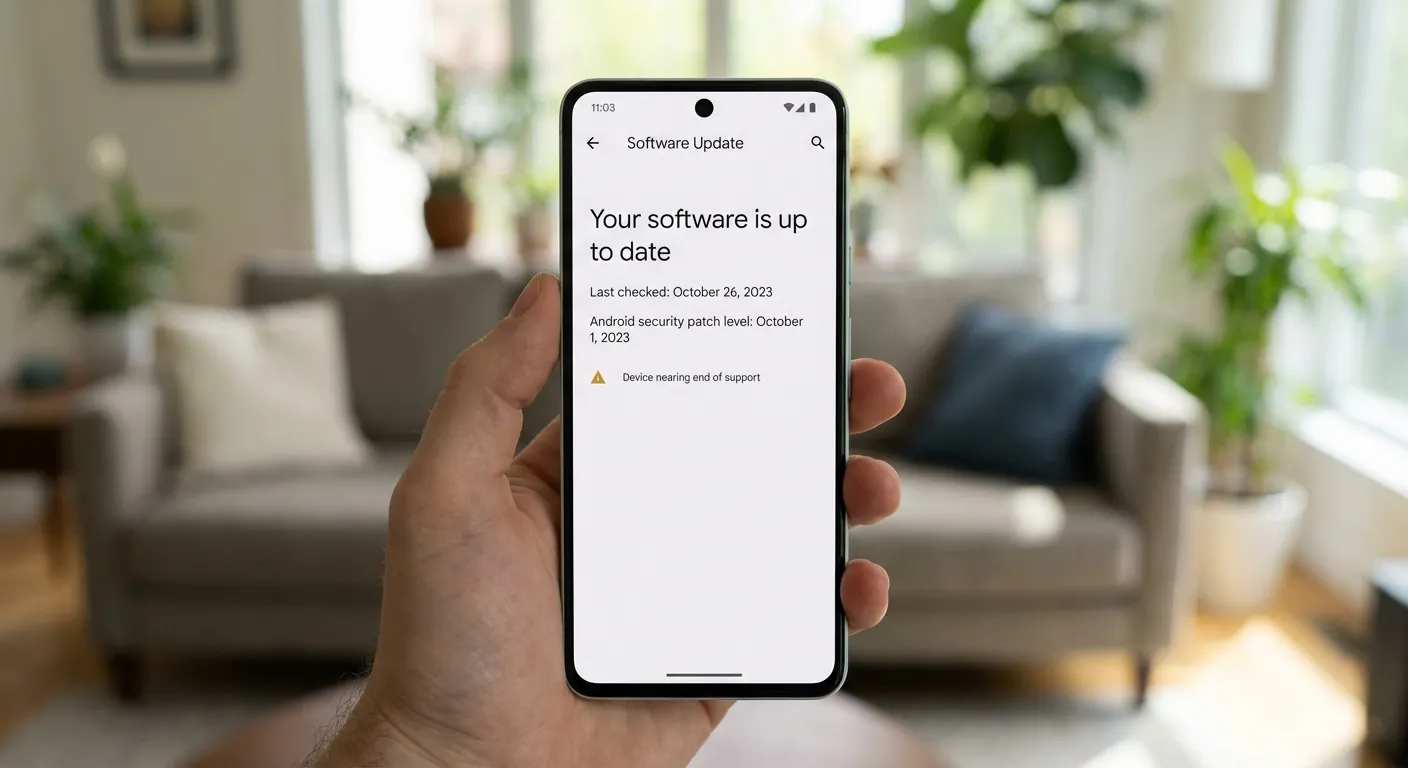
Is your phone still getting security updates? You can check in about 30 seconds. On Android, go to Settings > About Phone > Android Security Patch Level. On iPhone, go to Settings > General > Software Update. If your security patch is more than three months old, or if your phone can't install the latest operating system version, you may have reached or be approaching the end of your device's supported life.
This question became urgent in February 2026 when Google's monthly Pixel update skipped the Pixel 6 and Pixel 7 series entirely. No announcement, no warning. Owners of those phones simply didn't receive the February security patch. It turns out Google quietly shifted these older models to a quarterly update schedule, meaning they'll get security patches every three months instead of monthly. Google confirmed the devices remain "security compliant" but hasn't publicly acknowledged the schedule change, leaving millions of users confused about where they stand.
How to Check Your Android Phone's Update Status
The process varies slightly by manufacturer, but the core information lives in the same place across all Android devices.
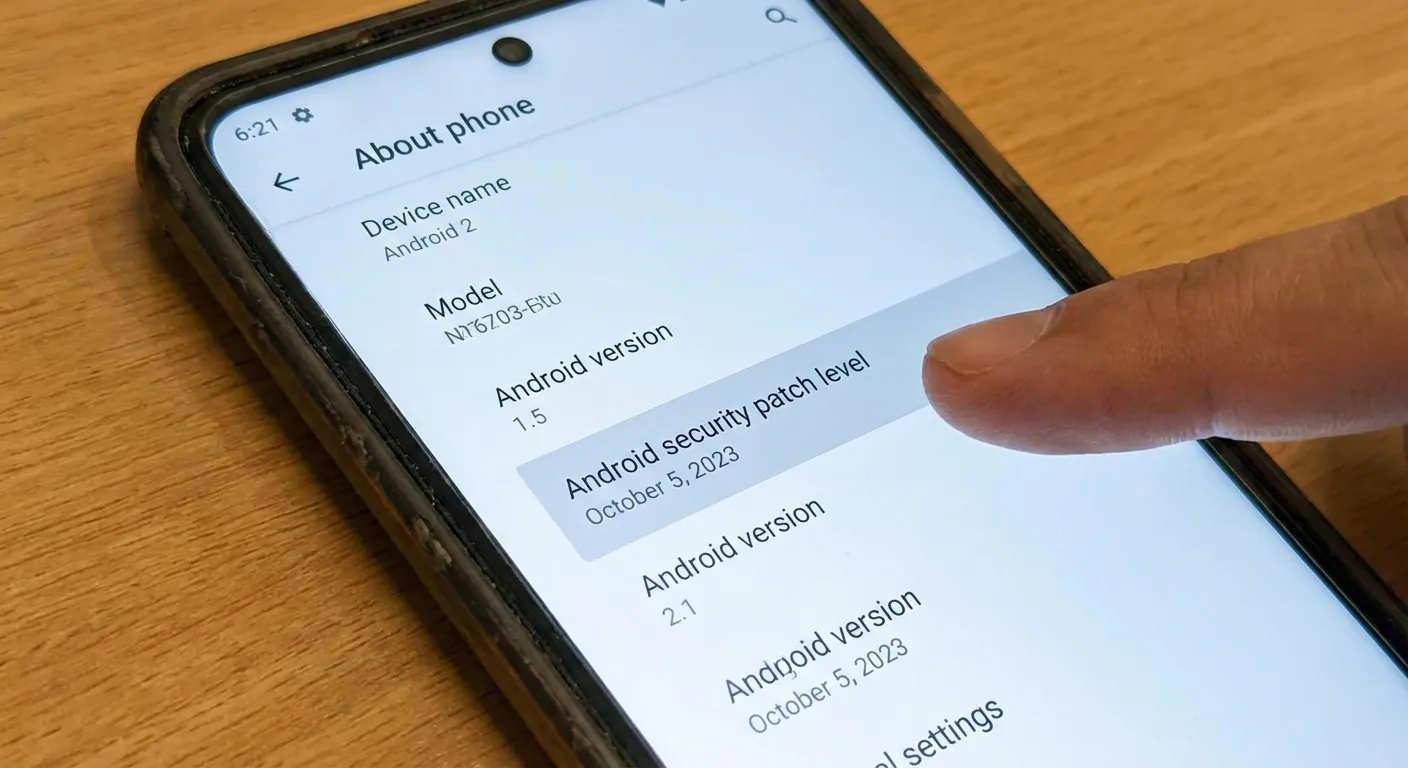
Step 1: Open Settings and find your security patch level. Navigate to Settings > About Phone (or Settings > System > About Phone on some devices). Look for "Android Security Patch Level." This shows the date of the most recent security patch installed on your device. If the date is within the last one to two months, you're current. If it's older than three months, your phone may have shifted to quarterly updates or reached end of support.
Step 2: Check for pending updates. Go to Settings > System > Software Update (or Settings > Software Update on Samsung devices). Tap "Check for update." If an update is available, install it. If your phone says "Your software is up to date" but the security patch date is several months old, your phone may be on a less frequent update schedule.
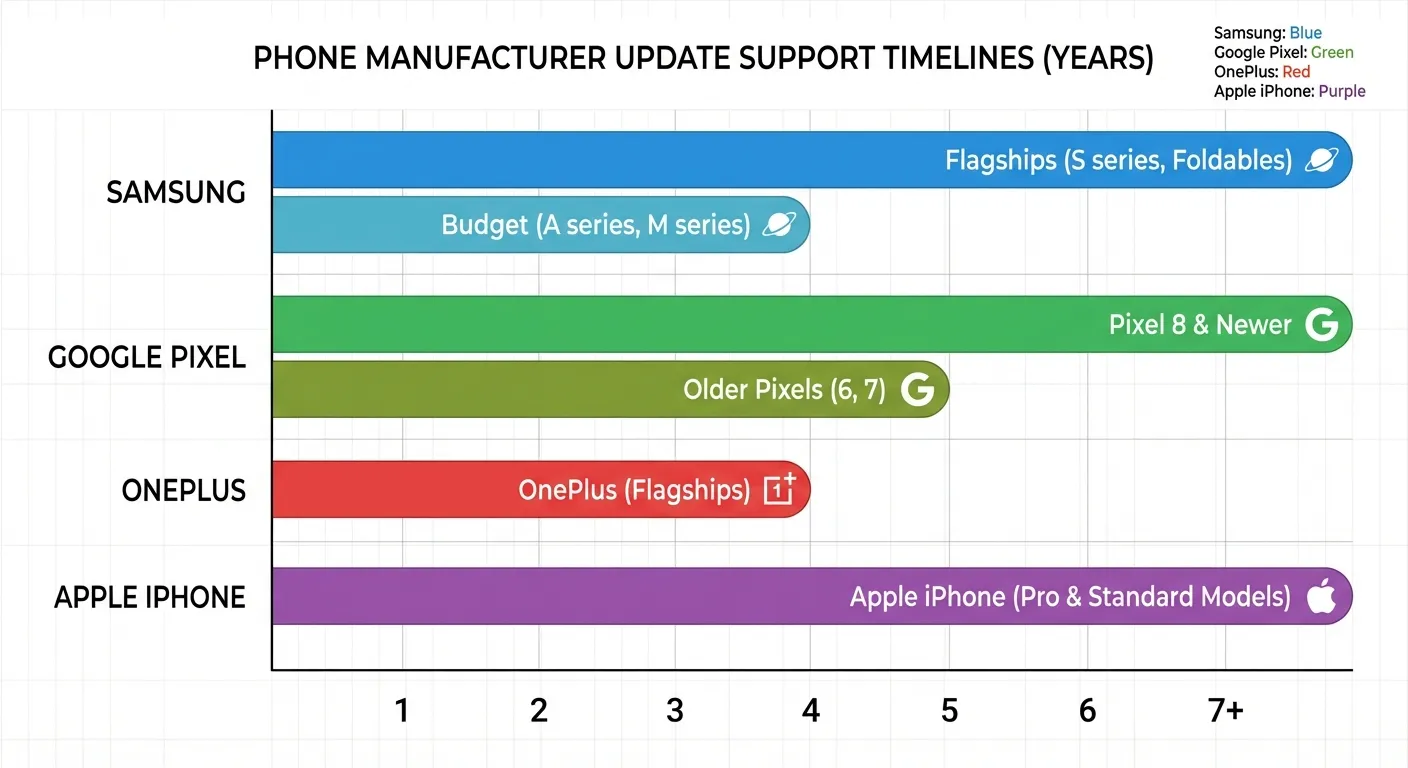
Step 3: Look up your manufacturer's support timeline. Each Android manufacturer commits to a specific number of years of updates. Samsung promises seven years of OS and security updates for its Galaxy S24 series and newer, but older models like the Galaxy S21 series are approaching end of support. Google's Pixel 8 and newer get seven years. Pixel 6 and 7 received extended support through approximately 2026 and 2027 respectively, but with reduced update frequency.
How to Check Your iPhone's Update Status
Apple handles updates differently from Android manufacturers, but checking your status is equally straightforward.
Step 1: Check your current iOS version. Go to Settings > General > About. Your iOS version is listed at the top. As of February 2026, the latest version is iOS 19. If your phone runs iOS 19, you're receiving full updates.
Step 2: Check for available updates. Go to Settings > General > Software Update. If an update is available, your phone will show it here. If your phone shows the latest iOS version as installed, you're fully current.
Step 3: Know your phone's support status. The iPhone 11 (released 2019) and newer receive full iOS 19 updates. The iPhone XS and XR (2018) stopped receiving full iOS updates after iOS 18 but still get critical security patches. Models older than the XS/XR no longer receive any updates. See the manufacturer policies section below for Apple's full support track record.
Apple doesn't pre-announce end-of-support dates the way some Android manufacturers do. Instead, when a new iOS version launches each fall, Apple publishes the compatibility list. If your phone isn't on it, that's the signal. However, Apple continues issuing security patches for older iOS versions for approximately one to two years after dropping a device from major updates.
What "End of Support" Actually Means
Reaching the end of security update support doesn't mean your phone stops working overnight. Calls, texts, apps, and basic functions continue normally. What changes is your exposure to newly discovered security vulnerabilities.
Security patches fix known vulnerabilities. Researchers and attackers constantly discover new ways to exploit phone operating systems. Monthly or quarterly security patches close those holes. Without patches, your phone accumulates unfixed vulnerabilities over time. The longer you go without updates, the more potential entry points exist for malware, data theft, and other attacks.
Apps gradually drop support too. App developers target the most recent operating system versions. Over time, apps you rely on will require a newer OS version than your unsupported phone can run. Banking apps, which have strict security requirements, often drop older OS support first.
Your phone doesn't become dangerous immediately. Security researchers generally advise replacing phones within 12 to 18 months after the last security patch. The risk increases gradually, not overnight. If you practice basic security hygiene (avoiding suspicious links, not sideloading apps, using strong passwords), an unsupported phone remains reasonably safe for a transitional period.
For tips on securing your device regardless of update status, our guide on protecting your data covers essential practices that work on any phone.
Major Manufacturer Update Policies in 2026
Knowing your manufacturer's commitment helps you plan ahead. Here's what the major players promise as of early 2026.
Samsung offers seven years of OS upgrades and security patches for flagship devices starting with the Galaxy S24 (2024) and newer. Older flagships like the Galaxy S22 receive four years of OS updates and five years of security patches. Budget and mid-range Samsung phones typically get fewer years of support.
Google Pixel devices from the Pixel 8 onward receive seven years of updates. The Pixel 6 and 7 series were originally promised five years of security updates but have been shifted to quarterly patch delivery. Pixel 6 support runs through approximately late 2026, while Pixel 7 support extends to 2027.
Apple doesn't publish specific year counts but consistently supports iPhones for six to seven years. The iPhone 11 (2019) is expected to receive iOS 19 in fall 2026. Apple's track record exceeds most Android manufacturers for longevity.
OnePlus promises four years of OS updates and five years of security patches for its flagship models (OnePlus 12 and newer). Motorola and other budget-focused brands typically offer two to three years of security patches.
What to Do When Your Phone Loses Support
If your phone has reached or is approaching end of support, you have a few practical options.
Keep using it carefully for a while. As noted, unsupported phones don't become unusable. Avoid installing apps from outside official app stores, keep your existing apps updated, use strong passwords, and be cautious with links in texts and emails. This buys you time to plan a replacement.
Transfer your data and upgrade. When you're ready for a new phone, both Android and iPhone have built-in tools that transfer your apps, photos, contacts, and settings to a new device. Our guide on transferring data to a new phone walks through the process step by step for both platforms.
Consider update longevity when buying your next phone. If seven years of updates matters to you, that narrows your choices to Samsung flagships, Google Pixel 8 and newer, and iPhones. If you buy a budget Android phone, expect a shorter support window and plan accordingly.
Summary
Check your phone's security update status in Settings: look for the Android security patch level date or the iOS version number. If your last patch is more than three months old, investigate whether your device has shifted to a reduced schedule or reached end of support entirely. When support does end, your phone still works but accumulates unfixed vulnerabilities gradually. Flagship devices from major manufacturers now offer the longest support windows, so factor update longevity into your next purchase, and use the built-in transfer tools when you're ready to upgrade.
Sources
- Google's February Android Update Confirms a Big Shift for Older Pixels - Android Central
- Pixel 6 and Pixel 7 Updates Are Missing: Here's What Is Happening - Droid-Life
- What It Means When Your Phone Isn't Supported Anymore - Android Authority
- How Long Apple Supports iPhones: iOS Updates and Security Patches 2026 - Macworld