
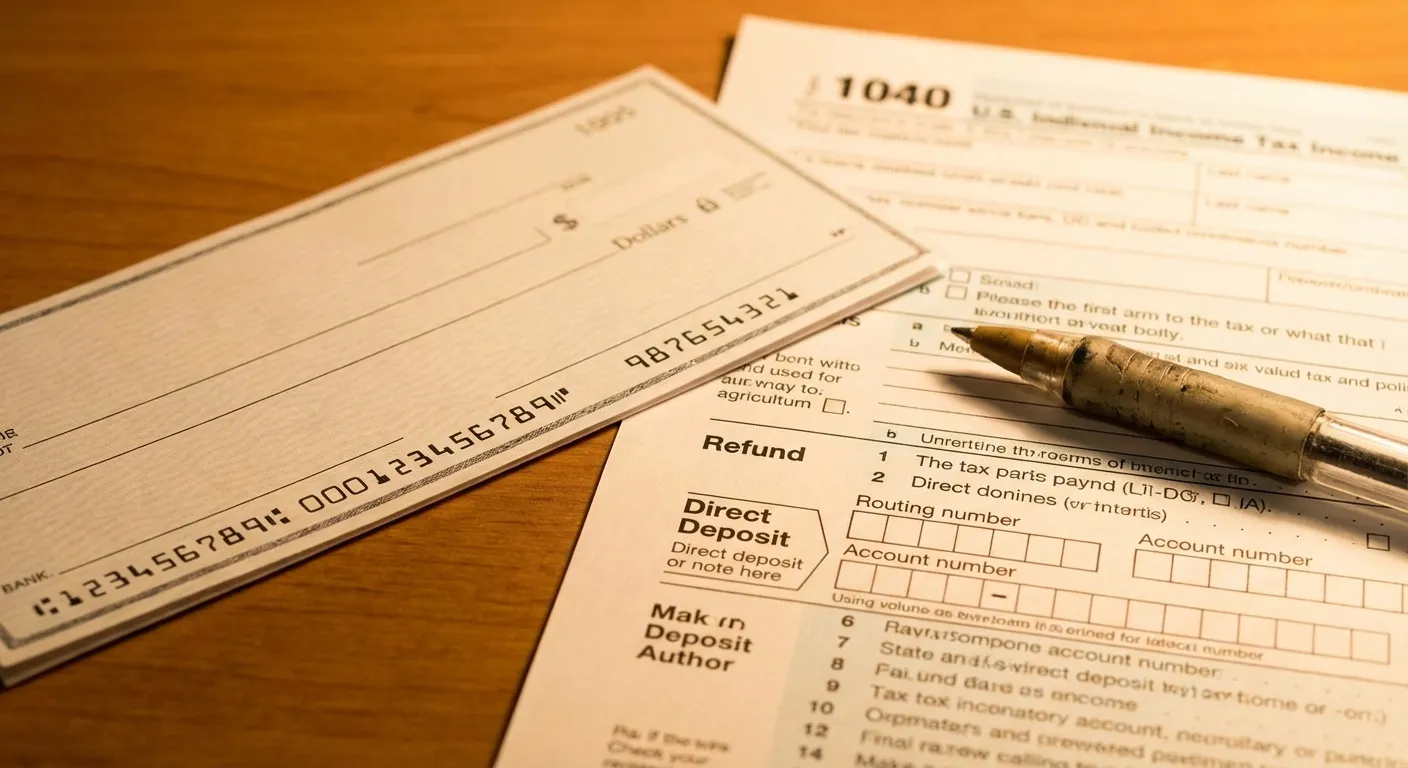
How do you set up direct deposit for your IRS tax refund? You provide your banking details when filing your tax return, either through tax software or on lines 35b and 35d of Form 1040. If you've already filed without bank information, the IRS will mail you a CP53E notice asking you to provide it within 30 days. Getting this set up matters more than ever this year because the IRS is actively phasing out paper refund checks under Executive Order 14247.
The phase-out officially began on September 30, 2025. That doesn't mean paper checks have vanished entirely, but the IRS is making electronic refunds the default. Taxpayers who don't provide banking details will see their refunds held while the IRS contacts them by mail. According to the IRS, electronic refunds arrive in less than 21 days when you file electronically, far faster than waiting for a paper check. If you want your money faster (and with far less risk of it getting lost), direct deposit is no longer just convenient. It's essentially the expected method.
What You Need Before You Start
Setting up direct deposit takes about two minutes if you have the right information ready. You'll need three things: your bank's routing number (a nine-digit code identifying the financial institution), your account number, and your account type (checking or savings).
The routing number appears at the bottom left of any paper check. Your account number is the string of digits to the right of the routing number. If you don't have paper checks, log into your bank's website or app and look for "direct deposit information" or "account details." Most banks display both numbers in your account settings.
One critical detail: double-check every digit. If you enter a wrong routing or account number, your refund goes to the wrong account or gets rejected. The IRS says incorrect banking information is one of the most common reasons refunds are delayed, and recovering a misdirected deposit can take months.
Step-by-Step Setup Through Tax Software
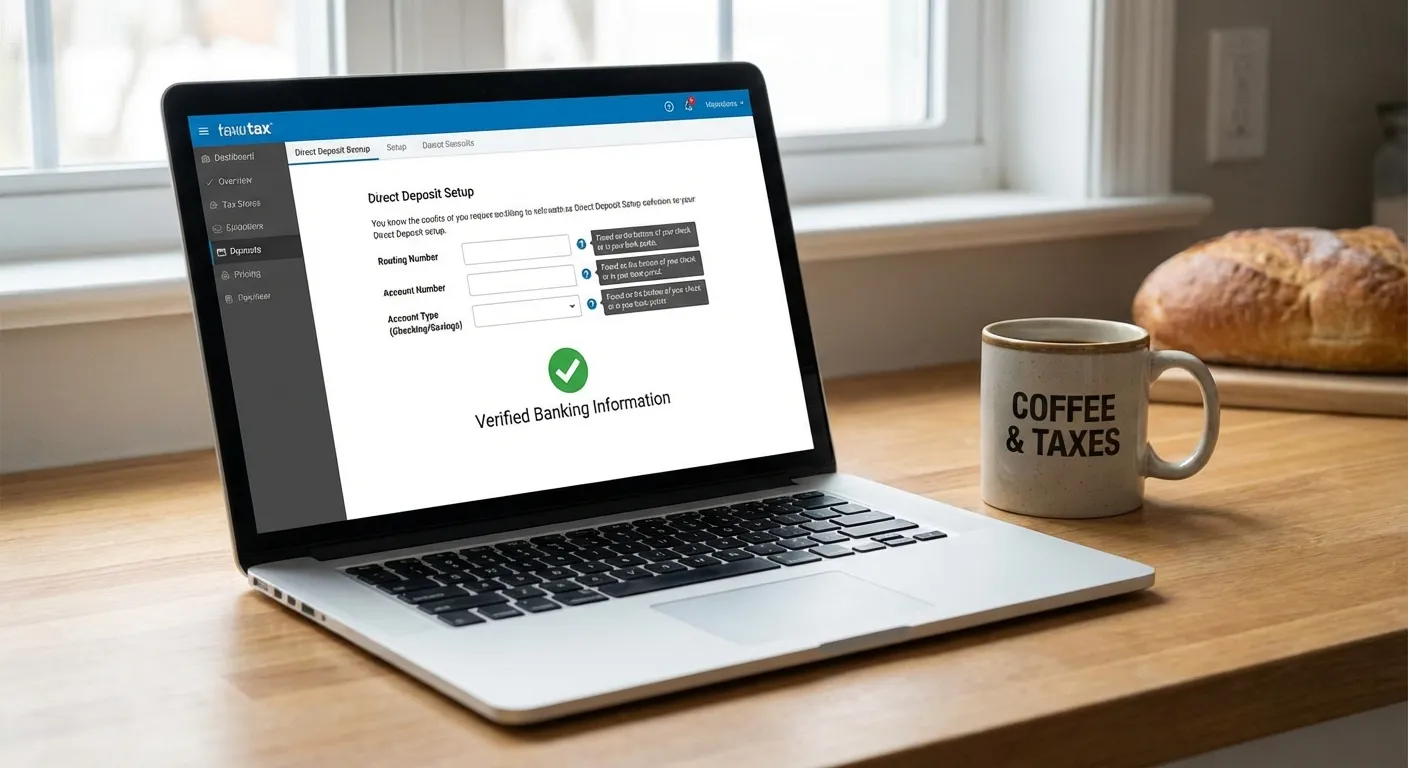
If you use guided tax software (TurboTax, H&R Block, TaxSlayer, or any IRS Free File partner), the process is built into the filing workflow. Near the end of your return, the software asks how you want to receive your refund. Select "Direct Deposit" and enter the banking details described above. The software validates the routing number format before you submit.
For those filing through IRS Free File, the same direct deposit prompt appears in every partner's software. You don't need to do anything extra.
Splitting your refund across accounts: You can deposit your refund into up to three accounts by filing Form 8888 with your return. This is useful if you want to send part of your refund to savings, part to checking, and part to an IRA or other account. Tax software handles this through a "split refund" option.
What If You Don't Have a Bank Account
The IRS recognizes that roughly 5.6 million American households are unbanked. If you don't have a traditional bank account, you have several options.
Prepaid debit cards. The IRS can deposit your refund onto certain prepaid debit cards that accept direct deposits. Cards from providers like Bluebird, Chime, and Green Dot typically work. You'll need the card's routing number and account number, which differ from the card number printed on the front. Check with your card provider.
Digital wallets and payment apps. Some mobile payment platforms accept direct deposits. If your app provides a routing and account number for deposits, you can use those on your tax return.
Open a free account. The FDIC's GetBanked program and MyCreditUnion.gov help people find free or low-cost bank accounts. Many credit unions offer accounts with no minimum balance and no monthly fees, specifically designed for receiving government payments.
Paper check exception. If you file without banking information and don't respond to the IRS CP53E notice within 30 days, the IRS will release your refund as a paper check after six weeks. This still works as a last resort, but it's the slowest path to your money.
What Happens If You Already Filed Without Bank Info
If you already submitted your 2025 return without direct deposit information, the IRS will process your return normally but temporarily freeze your refund. Within a few weeks, you'll receive a CP53E notice by U.S. mail (never by phone, email, or text) asking you to provide banking details.
You can respond to the notice by providing your direct deposit information through the method specified. If you don't respond within 30 days and there are no other issues with your return, the IRS eventually releases your refund as a paper check, though that process takes considerably longer than direct deposit.
"Taxpayers should be aware that the IRS contacts people about missing banking information only by U.S. mail," the IRS stated in its Executive Order 14247 FAQ. Any phone call, text, or email claiming to be the IRS asking for your bank details is a scam. For a broader look at this year's tax refund strategies, our earlier guide covers how to get the most from your return.
Tracking Your Refund After Filing
Once you've filed with direct deposit information, you can track your refund using the IRS "Where's My Refund?" tool at IRS.gov or through the IRS2Go mobile app. The tool updates once daily, usually overnight. You'll need your Social Security number, filing status, and exact refund amount to check.
The tool shows three stages: Return Received, Refund Approved, and Refund Sent. Most electronic filers with direct deposit see "Refund Sent" within 21 days. If the IRS needs to verify your identity or review a specific deduction, the timeline may extend, but the tool will indicate that additional review is in progress.
What to Remember
Direct deposit is the fastest, safest way to receive your IRS tax refund, and it's becoming the only practical option as paper checks phase out. Have your banking details ready when you file, and double-check every digit to avoid delays. If you've already filed without that information, watch your mail for a CP53E notice and respond promptly. If you don't have a bank account, prepaid debit cards and free checking accounts through the FDIC's GetBanked program can get you set up before your refund processes.
Sources
- IRS to Phase Out Paper Tax Refund Checks Starting with Individual Taxpayers - Internal Revenue Service
- Questions and Answers About Executive Order 14247 - Internal Revenue Service
- Direct Deposit Changes for 2026 Could Affect How and When You Get Your Refund - Taxpayer Advocate Service
- IRS Opens 2026 Filing Season - Internal Revenue Service