
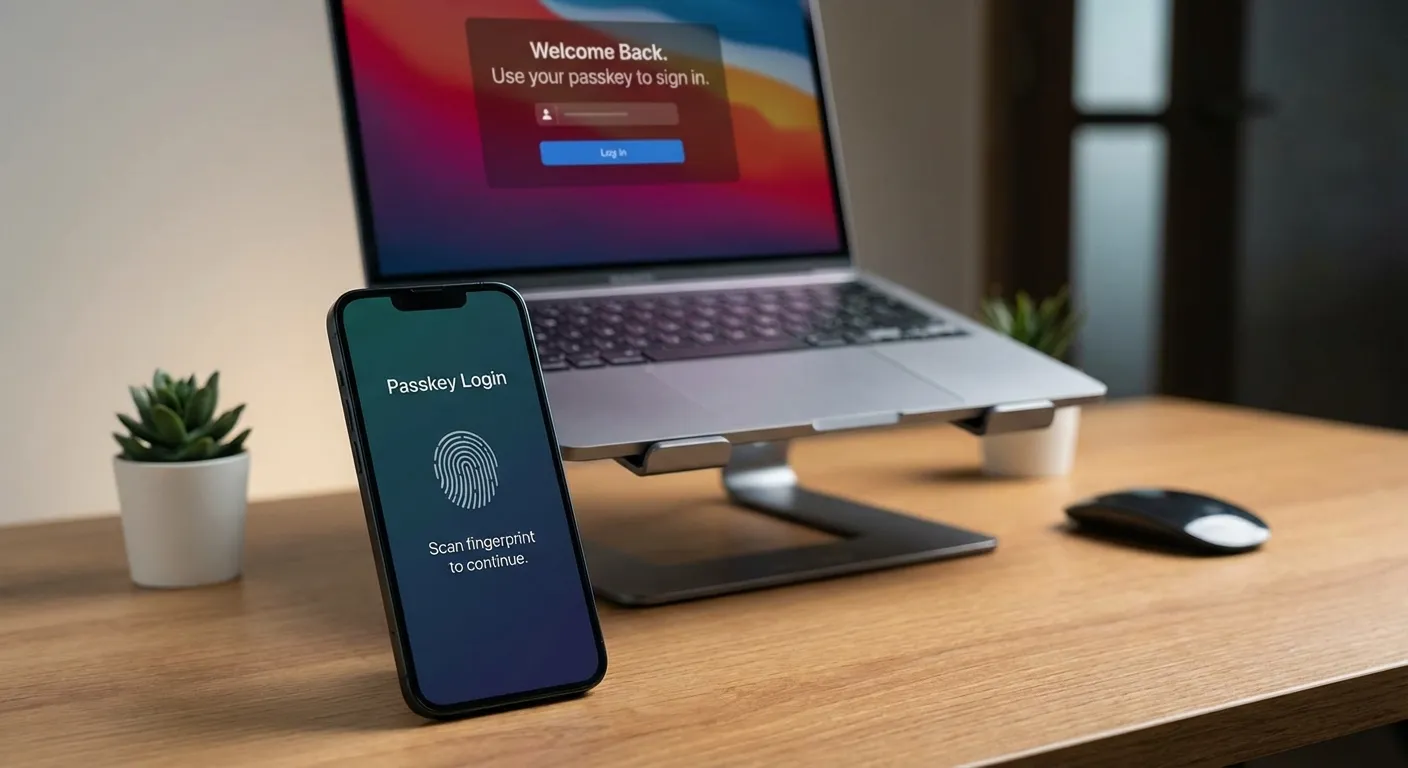
How do passkeys actually compare to passwords? Passkeys are a new authentication method that replaces typed passwords with cryptographic keys tied to your biometrics, your fingerprint, face scan, or device PIN. They're significantly more secure than passwords because they can't be phished, guessed, or stolen in data breaches. But the transition from passwords to passkeys involves real tradeoffs in usability, ecosystem lock-in, and recovery options that are worth understanding before you commit.
The shift from passwords to passkeys is accelerating rapidly. According to the FIDO Alliance, the industry group behind the passkey standard, over 15 billion user accounts can now use passkeys. Google reports over 800 million accounts actively using them. Amazon saw 175 million users create passkeys within the first year of offering them. Microsoft made passkeys the default for new accounts in 2025, triggering a 120% increase in passwordless authentication. But adoption data also reveals gaps: only a few hundred major sites currently support passkeys, and cross-platform friction remains a barrier to full password replacement. This analysis breaks down where passkeys genuinely outperform passwords, where they still fall short, and what the adoption curve looks like heading into 2026.
How Passkeys Actually Work
Traditional passwords require you to create and remember a secret, then type that secret into websites when you want to log in. This creates multiple failure points: you might choose a weak password, reuse passwords across sites, fall for phishing emails, or have your password stolen in a data breach. According to Verizon's Data Breach Investigations Report, over 80% of data breaches involve weak or stolen passwords. Meanwhile, NIST (the National Institute of Standards and Technology) has updated its Digital Identity Guidelines to endorse passkeys as a phishing-resistant authentication method.
Passkeys eliminate the shared secret entirely. When you create a passkey for a website, your device generates two cryptographic keys: a private key stored securely on your device and a public key shared with the website. When you log in, your device proves it holds the private key without ever transmitting it. The website can verify your identity using the public key, but even if hackers steal the website's database, they get nothing useful.
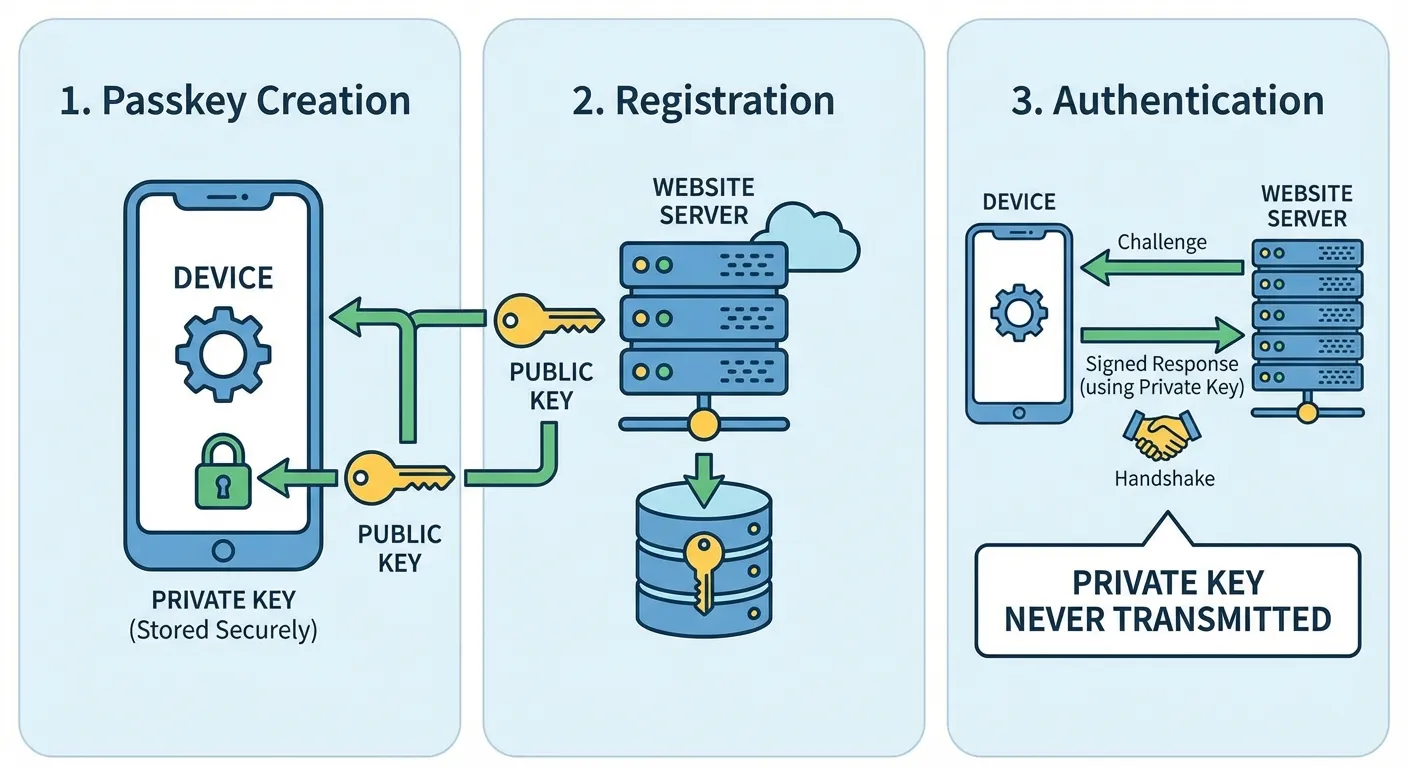
The authentication happens through your device's secure hardware, similar to how Apple Pay or Google Pay protect your payment information. Your biometric data, whether fingerprint or face scan, never leaves your device. It simply unlocks access to the private key stored in a secure enclave. Websites never receive your biometric information, only cryptographic proof that you possess the correct private key.
This architecture makes phishing nearly impossible. Even if you click a link to a fake website, the passkey authentication won't work because it's tied to the legitimate site's domain. There's no password to type into a fake login page.
Industry Adoption: Where Passkeys Stand Today
Most major platforms now support passkeys, though support across the broader web remains limited. The setup process is straightforward, though it varies slightly by service. If you're ready to start using them, our step-by-step guide on how to set up passkeys on iPhone, Android, and computer walks through the process on every major platform.
Google: Go to myaccount.google.com, select Security, then "Passkeys and security keys." Click "Create a passkey" and follow the prompts to authenticate with your device's biometric or PIN. Google will store your passkey and let you use it for future sign-ins.
Apple: Passkeys work automatically across your Apple devices through iCloud Keychain. When a website offers passkey creation, your iPhone, iPad, or Mac will prompt you to save the passkey. It syncs across all your Apple devices signed into the same Apple ID.
Microsoft: Visit account.microsoft.com, go to Security, then "Advanced security options." Select "Add a new way to sign in" and choose Passkey. Microsoft now defaults new accounts to passkeys, so you might already have this option enabled.
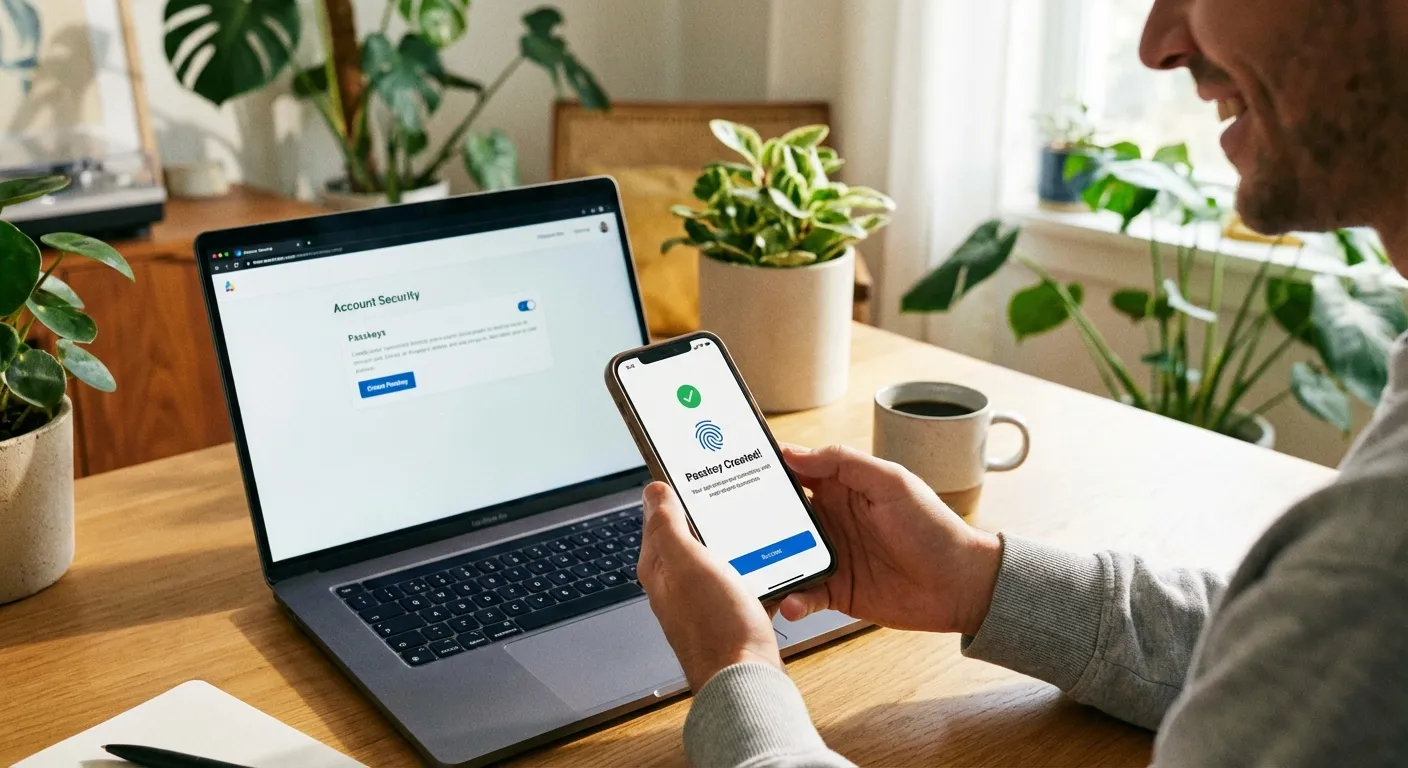
Amazon: Go to Account & Lists, then "Login & security." Look for "Passkey" in the sign-in options and click "Set up." Amazon has been one of the most aggressive adopters, making passkeys prominently available across its apps and website.
After creating a passkey, the next time you visit that site and click "Sign in," your device will offer passkey authentication instead of asking for a password. You'll see a prompt to use your fingerprint, face, or PIN. The entire login process takes seconds.
Current Limitations to Know About
Passkeys aren't perfect yet, and understanding the limitations helps you decide how to use them.
Website support is still growing. As of early 2026, only a few hundred major sites support passkeys. Your bank, favorite shopping sites, and social media platforms increasingly offer them, but many smaller sites still require traditional passwords. You'll likely need to maintain both passkeys and passwords for the foreseeable future.
Device dependency creates considerations. Your passkeys live on your devices. If you lose your phone and don't have passkeys synced to other devices or backed up, you could lose access to accounts. Apple, Google, and Microsoft all offer cloud syncing for passkeys across their ecosystems, which solves this for most people but creates vendor lock-in.
Cross-platform sharing has friction. Using a passkey stored on your iPhone to log into a website on a Windows PC is possible but requires extra steps, typically scanning a QR code with your phone. The experience is smoothest when staying within one ecosystem. If you already use two-factor authentication, passkeys can replace that workflow entirely since the biometric check serves as both factors.
Password managers like 1Password and Dashlane now support storing passkeys alongside passwords, which can help with cross-platform access and backup concerns. If you already use a password manager, check whether it supports passkeys as a storage option. You should also check if your existing passwords have leaked to prioritize which accounts to migrate to passkeys first.
Why Passkeys Are More Secure
The security advantages of passkeys over passwords are substantial and worth understanding.
Phishing resistance: Passkeys are cryptographically bound to specific websites. A passkey for google.com won't work on g00gle-login.com. Even if you click a phishing link, the fake site can't capture anything useful.
No password reuse: Each passkey is unique to one website. Compromising one service doesn't expose credentials usable elsewhere. This eliminates the cascading breach problem where hackers try stolen credentials across multiple sites.
Elimination of weak passwords: Studies show most people use simple, guessable passwords and reuse them everywhere. Passkeys remove human password choices from the equation entirely.
Breach resistance: When hackers breach a website database, they steal hashed passwords that can often be cracked. With passkeys, the website only stores public keys, which are useless without the corresponding private keys on users' devices.
TikTok reported that passkeys achieve 98% success rates and reduce login times by up to 17 times compared to passwords. The improved security comes with better usability, a rare combination in security technology.
The Verdict: Passkeys vs Passwords
The security comparison is unambiguous: passkeys eliminate phishing, credential stuffing, and the reuse problem that makes passwords inherently vulnerable. According to Google's security team, passkeys achieve a 98% authentication success rate compared to roughly 14% for traditional password-based flows. NIST's endorsement of passkeys as a phishing-resistant authenticator reflects the security consensus.
But the practical comparison is more nuanced. Passwords work everywhere, on any device, any browser, any platform. Passkey support is growing but still limited, and the experience is smoothest within a single ecosystem. Recovery from a lost device is straightforward with passwords stored in a manager, but passkey recovery depends on cloud sync services functioning correctly. For people who use devices across Apple, Google, and Microsoft ecosystems, the friction is real.
The adoption trajectory suggests these limitations are temporary. Major identity providers are making passkeys the default for new accounts, and the number of passkey-ready accounts continues to climb. Within the next two to three years, most consumer-facing sites are expected to support them.
For now, the practical approach is running both systems in parallel. Create passkeys on your highest-value accounts, email, banking, and shopping sites where you have payment information stored, while keeping passwords as fallback. A cross-platform password manager that supports passkey storage bridges the ecosystem gap. As site support broadens and cross-platform friction decreases, passwords will naturally fade to backup status and eventually disappear entirely.
Summary
Passkeys represent a genuine security leap over passwords, addressing the core vulnerabilities that have plagued traditional authentication for decades. Industry adoption has reached critical mass, and the remaining tradeoffs are practical rather than technical: limited site support, ecosystem lock-in friction, and device dependency that cloud syncing mostly but not entirely resolves. The smart approach is creating passkeys on your most important accounts now while keeping passwords as fallback, then expanding passkey use as support broadens across the web.
Sources
- Passkeys: What They Are and How to Use Them - FIDO Alliance
- NIST Digital Identity Guidelines - National Institute of Standards and Technology
- Passkeys on Google Accounts - Google Safety Center
- About Passkeys for Apple Devices - Apple Support
- Verizon Data Breach Investigations Report - Verizon