
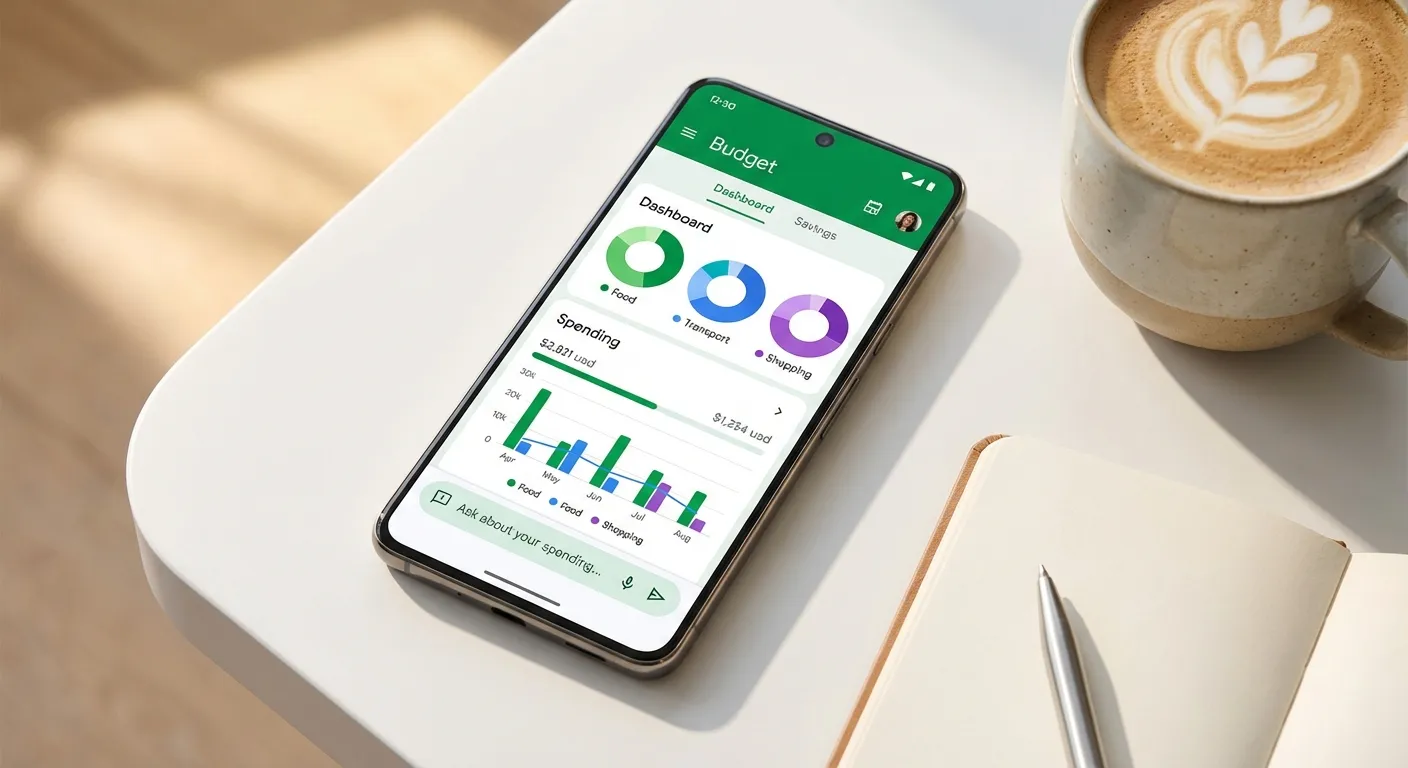
A year ago, the idea of asking an AI chatbot to manage your spending felt like a tech demo. In 2026, it's a legitimate strategy. Dedicated AI budgeting apps like Monarch Money, Copilot, and Cleo have integrated machine learning into core features like transaction categorization, spending forecasts, and real-time coaching, while general-purpose AI tools like ChatGPT and Claude have proven surprisingly capable at analyzing financial data when you bring the numbers to them. The global AI-in-finance market is projected to reach $26.67 billion by the end of this year, according to a Markets and Markets forecast, and consumer budgeting tools are one of the fastest-growing segments.
Here's the practical reality: AI won't replace the discipline of budgeting, but it can eliminate most of the tedious work that causes people to abandon budgets in the first place. Automatic categorization, natural language questions about your spending, and predictive alerts for upcoming cash flow problems are the features that actually matter. This guide walks you through setting up an AI budgeting system from scratch, whether you choose a dedicated app or a DIY approach with a general-purpose AI.
Step 1: Choose Your Approach
You have two broad options for AI-assisted budgeting, and they serve different needs. Understanding which one fits your situation will save you from downloading three apps and abandoning all of them within a week.
Dedicated AI budgeting apps connect directly to your bank accounts, credit cards, and investment accounts through services like Plaid or MX. They automatically import and categorize transactions, track your spending against budgets you set, and use AI to surface insights you might miss. The main advantage is automation: once set up, these apps require minimal ongoing effort. The main disadvantage is that you're giving a third party access to your financial accounts, which carries inherent privacy and security risks.
General-purpose AI tools like ChatGPT, Claude, or Gemini don't connect to your accounts at all. Instead, you export your transaction data (typically as a CSV file from your bank's website) and upload it for analysis. The AI can then categorize spending, identify patterns, answer questions, and help you build a budget. The advantage is that you control exactly what data the AI sees and when. The disadvantage is that it requires more manual effort, and the analysis is only as current as your last export. For anyone still getting up to speed on what AI agents actually are and how they work, starting with a general-purpose tool can be a low-commitment way to explore.
Here's a quick comparison of the leading options in each category:
- Monarch Money ($14.99/month): Full-featured budgeting with AI assistant, investment tracking, net worth monitoring, and a weekly financial recap. Works across iOS, Android, and web. Best for households wanting a comprehensive financial dashboard.
- Copilot Money ($14.99/month): Beautifully designed with strong AI features including natural language search, forecasting, and benchmarking. Recently expanded beyond Apple-only to include a web app. Best for users who value design and Apple ecosystem integration.
- Cleo (free tier available, Plus at $5.99/month): AI chatbot-first approach with behavioral coaching, spending alerts, and a casual, conversational tone. Best for younger users who want a less formal budgeting experience.
- ChatGPT or Claude (free tiers available): Upload bank CSVs for on-demand analysis. No account linking required. Best for privacy-conscious users who want AI insights without sharing account credentials.

Step 2: Set Up Your Accounts and Data
If you've chosen a dedicated app, the setup process is relatively standard. Download the app, create an account, and link your financial institutions through the secure connection service the app uses (typically Plaid). This process involves entering your bank login credentials through an encrypted portal, not directly into the budgeting app itself. Most major banks, credit unions, and credit card issuers are supported, though some smaller institutions or newer fintech accounts may not be available.
After linking, expect the initial import to take anywhere from a few minutes to 24 hours depending on how many accounts you connect and how much transaction history the app pulls. Monarch Money, for example, typically imports 90 days of history on first connection. Once the data flows in, you'll need to spend 15 to 20 minutes reviewing the automatic categorization. AI categorization is good but not perfect. Your rent payment to "JPMORGAN CHASE LOCKBOX" might initially show up as a bank fee, and that coffee shop with the obscure business name might land in "miscellaneous." Correcting these early trains the AI to get them right going forward.
For the general-purpose AI approach, start by logging into your bank's online portal and exporting your transaction history as a CSV file. Most banks offer this under account statements or transaction history. Export the last three months for a meaningful analysis. Before uploading to any AI tool, take a critical privacy step: open the CSV and remove or redact any columns containing account numbers, routing numbers, or other sensitive identifiers. The AI only needs the date, description, amount, and category columns to do useful work. Strip everything else.
Step 3: Configure Your Budget Categories and Goals
This is where most people stumble, not because the technology is complicated, but because defining your own financial priorities requires honest self-assessment. The AI can categorize your spending into neat buckets, but deciding how much should go into each bucket is fundamentally a human decision.
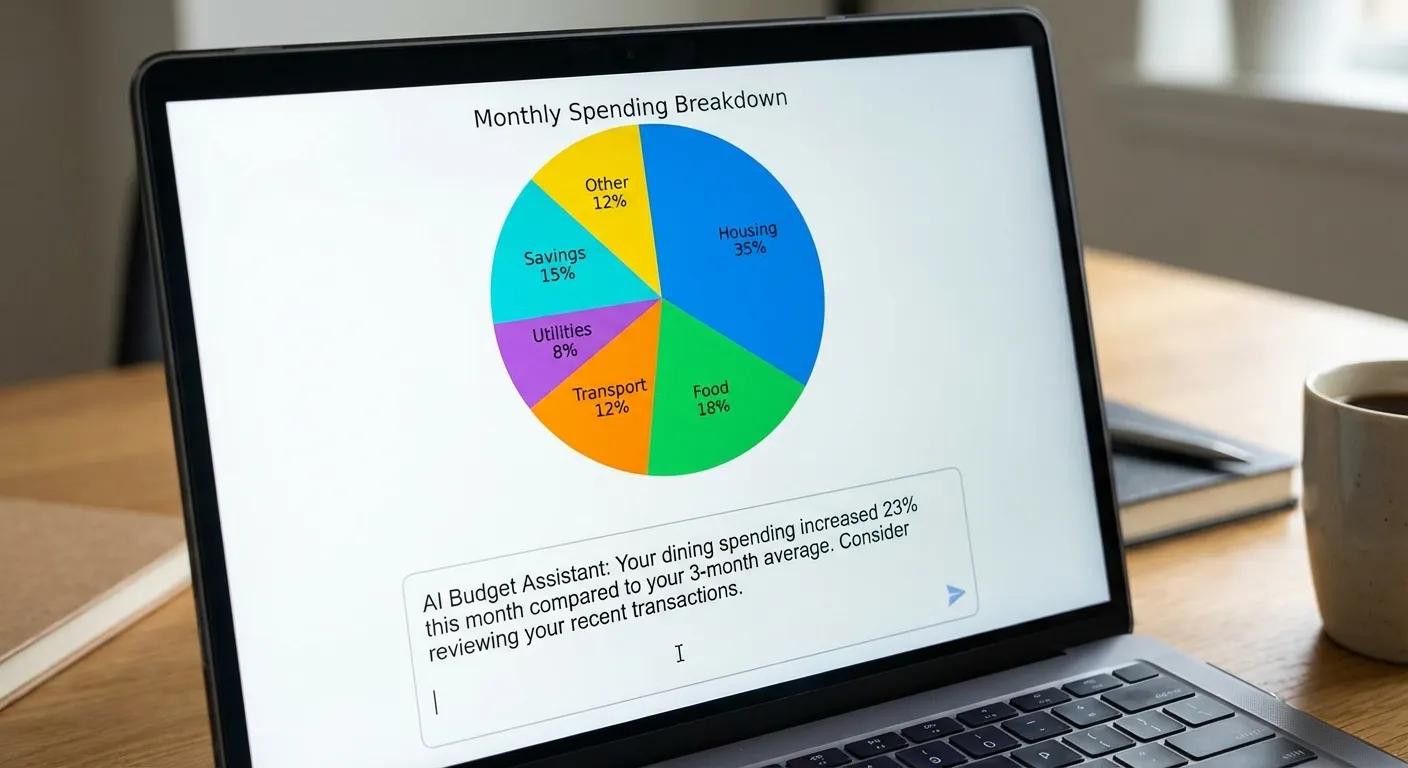
Start with the essentials: housing, transportation, food (split into groceries and dining out), utilities, insurance, and debt payments. Then identify your discretionary categories: entertainment, shopping, subscriptions, personal care, and whatever else shows up in your spending data. Most AI budgeting apps will suggest category splits based on your actual spending history and national averages. Monarch's AI assistant, for instance, will show you how your spending compares to users with similar income levels.
The 50/30/20 framework (50% needs, 30% wants, 20% savings and debt repayment) remains a solid starting point, but AI tools can help you refine it. "The real power of AI budgeting isn't setting rules, it's spotting the patterns you don't notice," says Katie Gatti Tassin, creator of the personal finance platform Money with Katie. "Most people dramatically underestimate their subscription spending and overestimate how much they spend on groceries." An AI tool that categorizes three months of history will give you the actual numbers, not your perception of the numbers.
If you're using a general-purpose AI like ChatGPT or Claude, upload your cleaned CSV and ask specific questions: "What are my top five spending categories by total amount over the last three months?" or "Show me my recurring subscriptions and their annual cost." The responses will give you a clear foundation for building a realistic budget rather than an aspirational one.
Step 4: Use AI Features to Stay on Track
Once your budget is configured, the ongoing value of AI comes from three specific capabilities that traditional budgeting tools handled poorly or not at all.
Predictive cash flow analysis is arguably the most useful feature. Apps like Copilot and Monarch use your transaction history and recurring payment patterns to forecast your account balances days or weeks into the future. This means you can see, before it happens, that your checking account will dip below your comfort threshold on the 23rd because three annual subscriptions and your car insurance all hit in the same week. That advance warning is the difference between proactive financial management and overdraft fees.
Natural language querying lets you ask questions about your finances in plain English rather than navigating through menus and reports. Monarch's AI assistant, Cleo's chatbot, and Copilot's search all support this. You can ask "How much did I spend on restaurants in January?" or "What's my average weekly grocery bill?" and get an immediate, accurate answer. With general-purpose AI tools, you can go even deeper: "Compare my Q4 2025 spending to Q1 2026 and identify the biggest changes by category."
Behavioral nudges and alerts are where Cleo particularly stands out. The app uses AI to send contextual messages about your spending behavior, such as flagging that you've hit 80% of your dining budget with 10 days left in the month, or noting that a subscription you haven't used in 60 days just charged you again. These aren't groundbreaking insights individually, but the consistency of automated monitoring catches things that even disciplined budgeters miss. Anyone who's read about how companies use AI in ways employees don't always see will appreciate that consumer AI budgeting tools are one of the more transparent applications of the technology.
Step 5: Protect Your Financial Data
The convenience of AI budgeting comes with genuine privacy considerations that you should address deliberately rather than ignoring. Here's what to keep in mind.
Dedicated budgeting apps access your accounts through aggregation services like Plaid, which acts as an intermediary between your bank and the app. Plaid has faced scrutiny and a $58 million class-action settlement in 2022 over data collection practices, though the company has since made significant changes to its consent flows and data handling. Before linking accounts, check whether the app uses Plaid or a similar service, read what data it collects beyond transactions, and verify that it uses bank-level encryption (256-bit AES is the standard).
For general-purpose AI tools, the privacy equation is different but still requires attention. When you upload a CSV to ChatGPT or Claude, that data may be used to train future models unless you opt out. Both OpenAI and Anthropic offer settings to disable training on your data: in ChatGPT, navigate to Settings, then Data Controls, then toggle off "Improve the model for everyone." In Claude, conversations are not used for training by default when using the Pro plan, but you should verify this in your account settings. The safest approach is to strip all personally identifiable information from your exports before uploading and to use the "temporary chat" or equivalent feature when available.
Never enter your bank login credentials, Social Security number, account numbers, or routing numbers into any AI chat interface. These tools don't need that information to analyze your spending, and providing it creates unnecessary risk. If an app or service asks for credentials outside of a recognized secure aggregation flow (like Plaid's official widget), treat it as a red flag. Staying informed about how newer AI models like DeepSeek handle data is also worthwhile when evaluating which tools to trust.
Summary
Setting up AI-powered budgeting in 2026 takes about 30 minutes and follows five steps: choose between a dedicated app (Monarch, Copilot, or Cleo) or a general-purpose AI (ChatGPT or Claude), connect or import your financial data, configure budget categories based on actual spending rather than guesses, use predictive and conversational features to stay on track, and take deliberate steps to protect your data throughout the process.
The technology has matured enough to be genuinely useful, not as a replacement for financial discipline, but as a tool that removes the friction that causes most people to abandon budgeting. The best budgeting system is the one you actually maintain, and AI's biggest contribution is making that maintenance nearly automatic. Start with a three-month spending review, set realistic targets, and let the AI handle the monitoring while you focus on the decisions that actually matter.
Sources
- The Best Budgeting Apps for 2026, Engadget
- Copilot Money Review, Money with Katie
- AI-Powered Tools Offer Help with Financial Planning, CNBC Select
- Comparing AI Personal Finance Assistants: ChatGPT, Gemini, Copilot and Claude, Wealth Enhancement Group
- The Best Budgeting Apps for 2026, Ranked by Real-World Use, The College Investor